InsightsAI explained
The admin audit: how to find the jobs in your business an AI agent should take
Before you buy any AI tool, write down your week. A four-step audit to find the admin worth handing to an agent, with a sheet you can fill in.
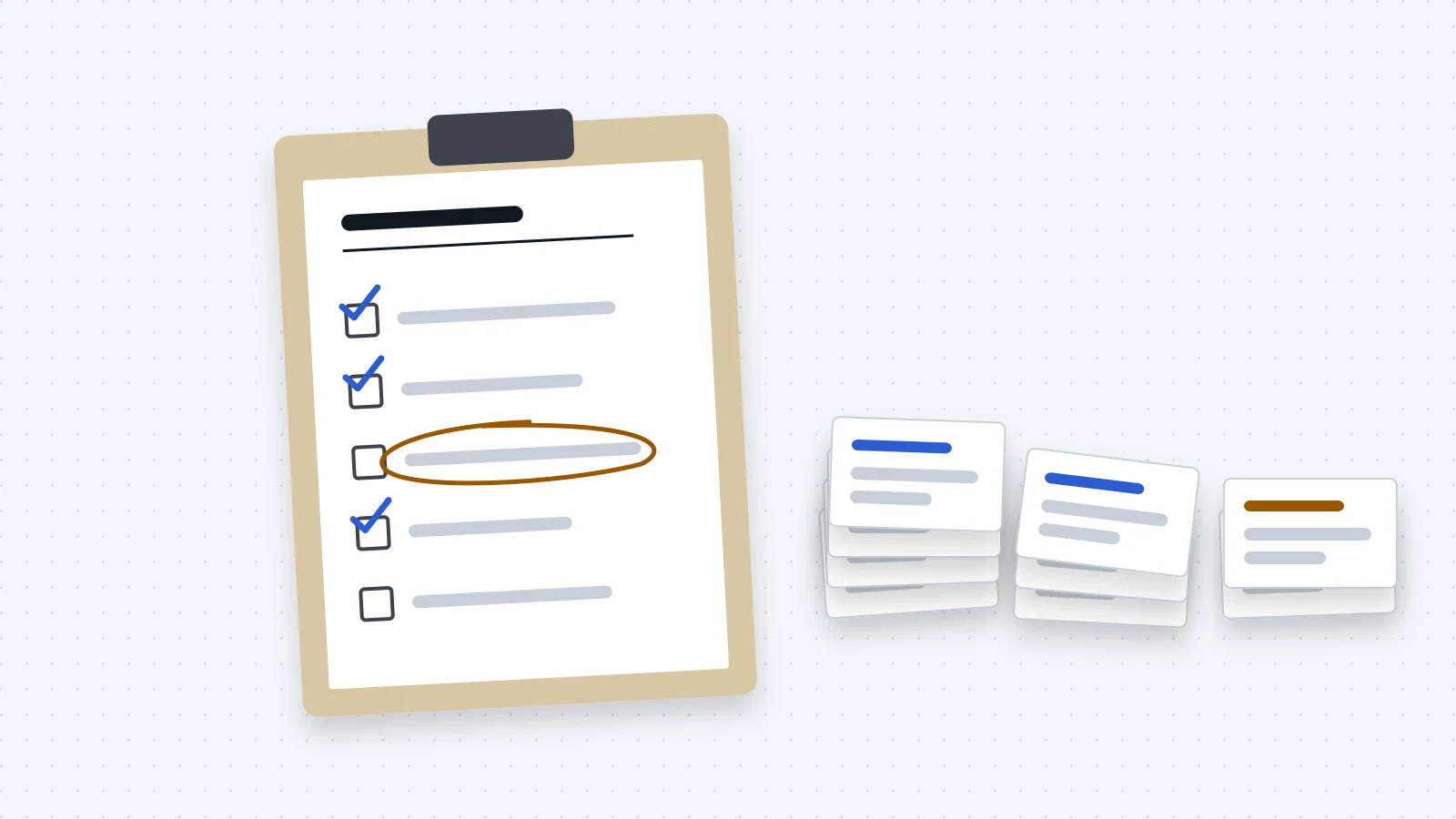
"What could AI do for my business?"
It's the question we hear most. It's also the wrong place to start.
The better question is duller. What does your week look like, and which parts of it follow rules?
Answer that honestly and the AI question mostly answers itself. Here's the four-step method we run at the start of every project. You can do most of it yourself.
Where the hours go
In the service businesses we work with, the same admin turns up again and again.
- Calls missed mid-session and after close.
- Bookings confirmed, moved, reminded and chased.
- Contracts and onboarding packs typed from a register.
- Certificates and registrations that expire.
- Rosters, and what happens to them when someone's on leave.
- Invoices chased, and contractor invoices collected each pay cycle.
- Numbers pulled from three systems into one view.
None of it is hard. It takes time because it repeats, and because it lives in the gaps between your tools.
Step 1: write down the week you have
Not the week you'd like to have. The real one.
Pick a week and write down every admin job as it happens. For each, note what set it off, who did it and in which tools, each step in order, where it waited, and what went wrong.
Be honest about the workarounds. The spreadsheet only one person understands. The reminder that lives in someone's calendar. The job that happens when the manager remembers. That's usually where the best opportunities are hiding.
Step 2: rules, judgement, or both
Mark each job.
- Rules. Same steps every time. You could write them for a new starter. "When a certificate is uploaded, check the expiry date. If it's within six weeks, tell the manager."
- Judgement. The right answer depends on context someone carries. "Do we make an exception for this client?"
- Both. Mostly rules, with a call in the middle. "Send the reminder, but word it more firmly the longer it's overdue."
Rules jobs can be automated. Judgement jobs stay with people, and that's fine.
The "both" pile is where AI agents earn their place. Fixed rules do the steps. AI handles the reading and the wording.
Step 3: pick the first job
A good first job has three things going for it.
- Mistakes are cheap. Someone would notice and fix it before it mattered. Drafting a reminder for approval is a good first job. Cancelling appointments isn't.
- The time back is obvious. You can name who stops doing what.
- It happens often. Daily beats quarterly.
Order matters too. At a multi-disciplinary clinic, we started with a new website and online booking. Then we automated the admin behind every booking: the AI receptionist, new-starter paperwork, certificate checks, contractor reminders and enquiries into the CRM. Booking came first because everything else hangs off it. (Case study.)
Step 4: write the rules before anyone builds anything
This is the step everyone skips. It's also the one that decides whether the automation works.
Write the job down as you'd explain it to a new starter. What starts it. What it checks. What it does in each case. Who it tells. What it must never do.
Can't write the rules? Then the job isn't ready.
Usually it's because two people do it two different ways, and nobody ever settled which is right.
The audit is where that gets settled.
What this looked like for an NDIS provider
An NDIS allied health provider in Sydney had ten practitioners, each needing current compliance documents. Booking, scheduling, invoicing, reporting and document checks were all manual. A reminder workflow meant to help kept failing.
With the owner, we mapped how each of those runs now and how it should run, and wrote the compliance rules in plain language. Then we pulled the failing workflow apart. Three faults:
- Drafts landed in an account nobody could see.
- The duplicate check was switched off, so practitioners were chased twice.
- Some drafts were lost unsent.
What came out of the audit is a compliance system, built and delivered. It checks every practitioner's documents against the capacity register, sends reminders and payment-withheld notices based on payment status, and lists who's overdue every fortnight. Nobody checks documents by hand. The manager deals only with what's overdue.
The audit also produced a design for an AI agent to replace the failing reminders, safeguards and tests included. That agent is designed, not yet built. (Case study.)
The sheet
Copy this for every admin job you find in step 1.
Job:
  (for example, chasing certificates)
What starts it:
  (a date, call, upload or new hire)
Who does it now:
Tools involved:
How often:
  (daily, weekly, each pay cycle)
Steps:
  (one line each, in order)
Where it waits:
What goes wrong:
Rules or judgement:
  (rules, judgement, or both)
If it went wrong:
  (who would notice, and how bad?)
Never do:
  (what it must never do alone)
Fill in five or six of these honestly. They'll tell you more about where AI fits in your business than any list of tools.
When to call someone
You can do steps 1 to 3 on your own. Bring someone in when:
- the job crosses several tools and you're not sure how they connect
- it touches health information, money, or anything you'd hate to send to the wrong person
- the rules won't settle because people do the job differently
- you've tried an automation before and it failed without telling anyone
That's what our audit is for. We walk through how your business runs today and give you a short, written list of what's worth handing to an agent first. You sign it off before anything gets built. See how we work, or start with an audit.
Already know your first job? Go deeper on three common ones: AI receptionists for clinics, tracking certificate expiry dates and scheduling agents for mobile teams.
Want this working in your business? Start with an audit.